Everything You Need to Know About EditWise — In One Place
Find quick answers about features, pricing, workflows, onboarding, storage, team management, and more.Choose a category below to jump directly to the details you need.
What’s the difference between the Studio and Agency plans?
Will EditWise slow us down at first?
Category 3: For Editors
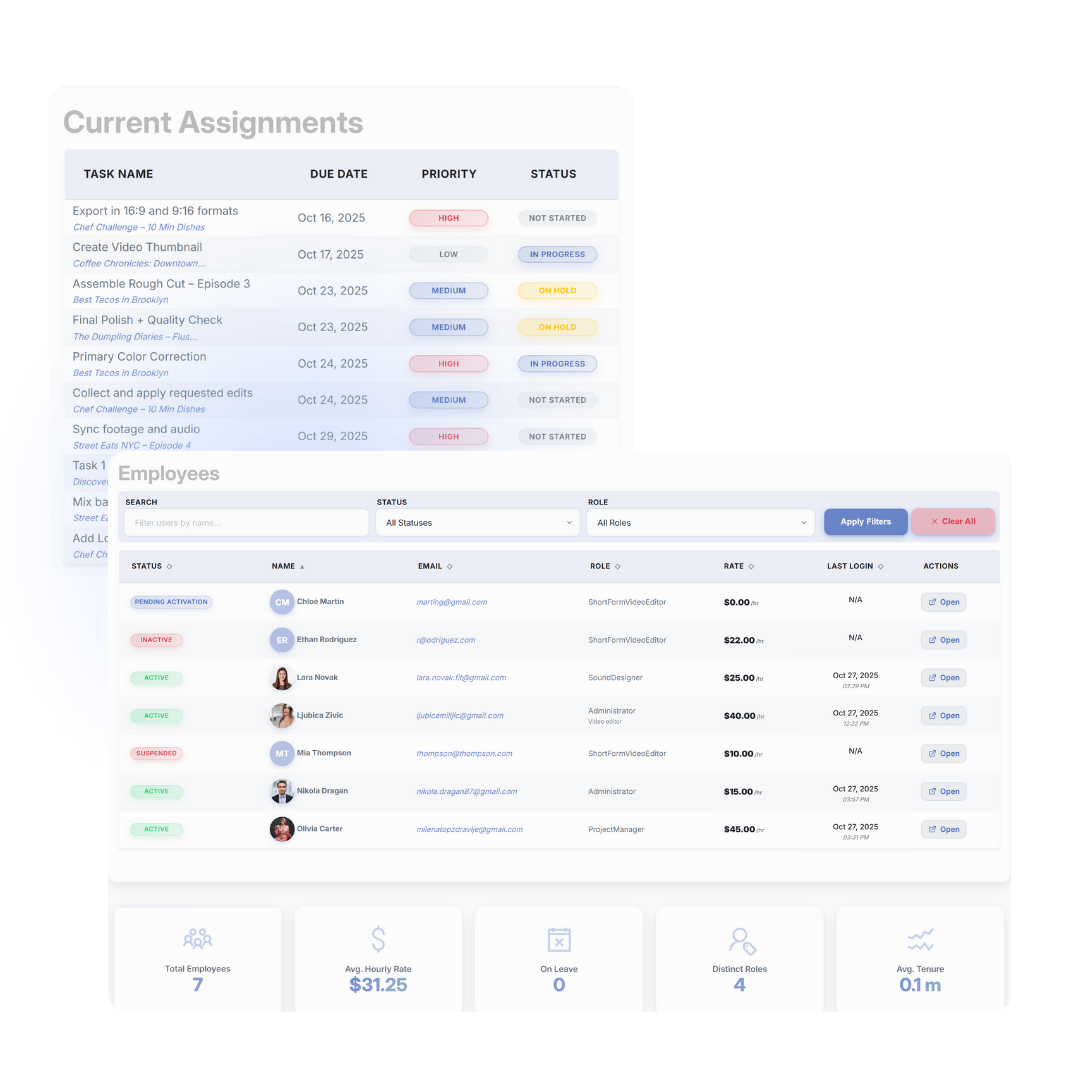
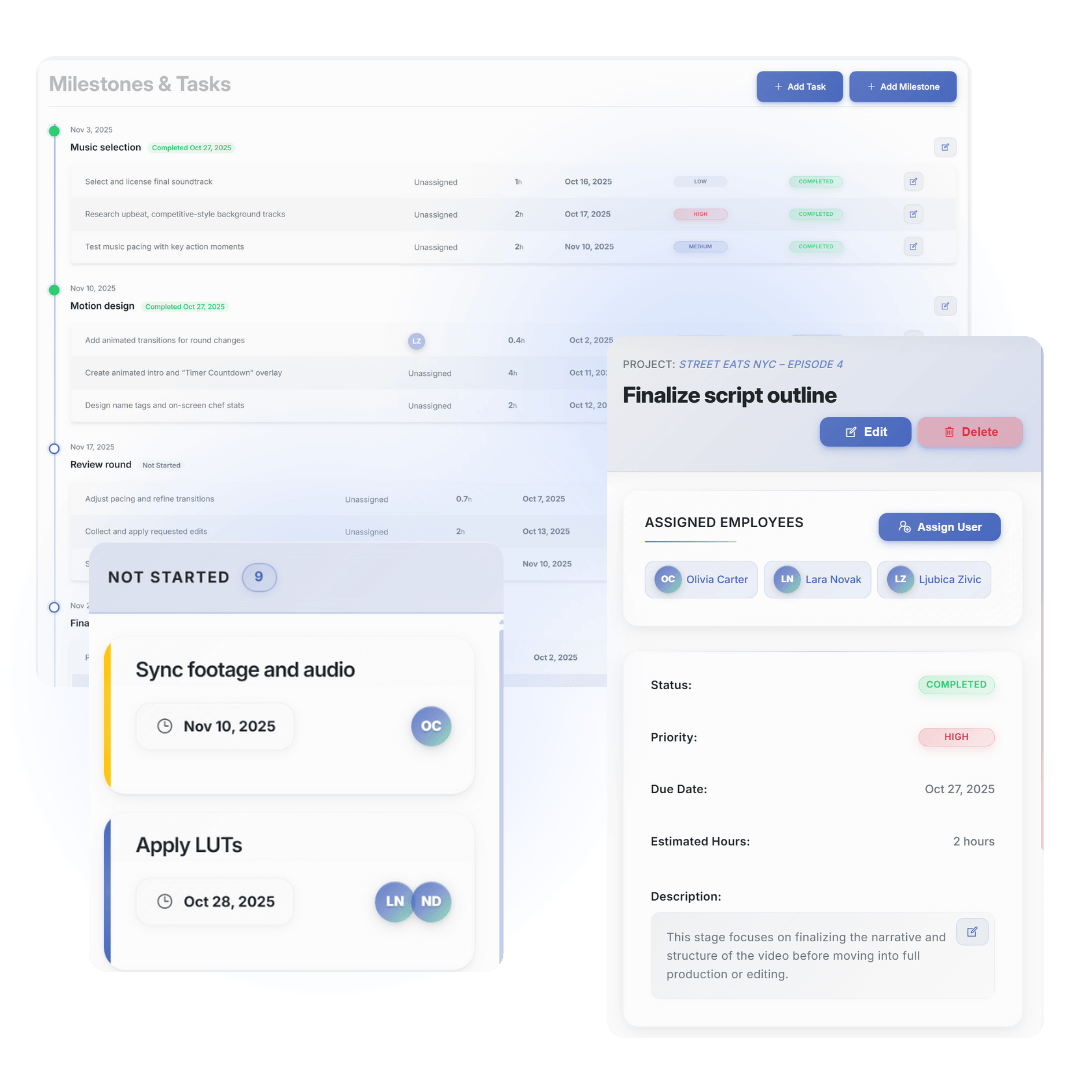
What do my editors actually see and do inside EditWise?
How fast can editors get used to it?
Category 4: For Your Clients
Will my clients be willing to use a new platform?
What if a client really refuses to log into anything?
Category 5: Pricing & Plans
Can we pay monthly, or is it only annual?
Can we change plans later?
Is there really a Free plan? What’s it for?
Category 6: Migration & Onboarding
Can you help us import our current projects from Trello / Asana / Frame.io / Sheets?
Can you help us set up our workflow?
Do you offer training for our team?
Category 7: Integrations & Existing Tools
Do you integrate with our accounting / invoicing software?
Can we import data from Frame.io, Drive, or Dropbox?
Do you have a public API?
Category 8: Security & Reliability
Where is our data stored?
How secure is EditWise?
Who can see what inside our workspace?
Do you back up our data?
Category 9: Future Roadmap & Features
Will there be internal chat?
Will there be AI features?
Will there be resource management (equipment, studios, etc.)?
Will you integrate with Adobe (Premiere, After Effects, etc.)?
Still have questions?
If there’s something specific about your workflow, tech stack, or team that isn’t answered here, the fastest way to get clarity is to jump on a short call.
We’ll look at how you work today and show you exactly how EditWise fits in (or tell you honestly if it doesn’t).